
Productsup MCP: The foundation for agentic feed management
Productsup MCP is our Model Context Protocol (MCP) integration for feed management. It gives AI a secure, controlled way to work with your Productsup setup. It comes first to Productsup Kai, our in-platform AI assistant, and will later connect Productsup to the AI tools and agents you already use.
Trusted by global brands








What is Productsup MCP?
Replacing generic AI answers with guidance grounded in your Productsup setup
Every new channel or market adds more rules and settings, which leads to more ways something can go wrong. General AI tools can guess why products were rejected or an export failed, but they still require someone to find answers and make changes manually. Productsup MCP enables AI tools to see your Productsup setup, so it can think and later act on your data specifically.
What is MCP? A universal plug for AI
MCP, short for Model Context Protocol, is an open standard that lets AI tools connect to business software. Productsup MCP is an MCP server built for feed management. It gives AI a secure, controlled way to see, and eventually work with, selected parts of your Productsup account. It only opens the parts we've chosen to open and never gives more access than the person using it already has.
Instead of clicking through settings and searching for answers, you'll describe what you need and get answers, guidance and, over time, actions based on your actual setup.
The outcome: What Productsup MCP will make possible
Spend less time chasing errors and more time improving your feeds.
Get answers about your own feeds
Ask questions in plain language and get answers based on your setup, not generic documentation.
Gain expertise for the whole team
Make feed management expertise available to everyone, not just your specialists.
Stay in control of AI
Every step works within your Productsup permissions with safeguards and a record of what changed.
Phase 2Spend less time on manual work
Hand off selected feed tasks to Productsup Kai and spend more time on growth.
Phase 3Direct access from your AI stack
Bring Productsup into the AI tools and agents your business already uses.
How our MCP integration will evolve from answers to action, step by step
We're rolling out Productsup MCP in phases. Each one is tested and proven before the next begins.
1Phase 1 · Read Access via Kai
Kai, powered by MCP, explains and guides your feeds
read access
Why are my products rejected by Google Merchant Center?
Price has incorrect formatting; use a period as the decimal separator and include the 3-letter ISO 4217 currency code (for example, 55.99 USD).
Ask questions, explore product data and configurations, investigate issues, and uncover optimization opportunities based on live platform context.
Being tested now, rolling out in stages
2Phase 2 · Write Access via Kai
Tell Kai what to do
write access
Fix the errors causing my products to be rejected by Google Merchant Center.
I found an issue with your price formatting. I can fix it by using a period (.) as the decimal separator and adding the correct 3-letter ISO currency code. Shall I apply it?
Move beyond insights and guidance to carrying out feed management tasks on your behalf, with permissions and safeguards keeping you in control.
Coming next
3Phase 3 · Standalone MCP
Connect your own AI to Productsup
Connected AI
MCPBring Productsup capabilities into the AI applications and agents your team already uses, so feed management becomes part of your wider workflows.
Longer-term direction
Keep learning about agentic feed management at Productsup
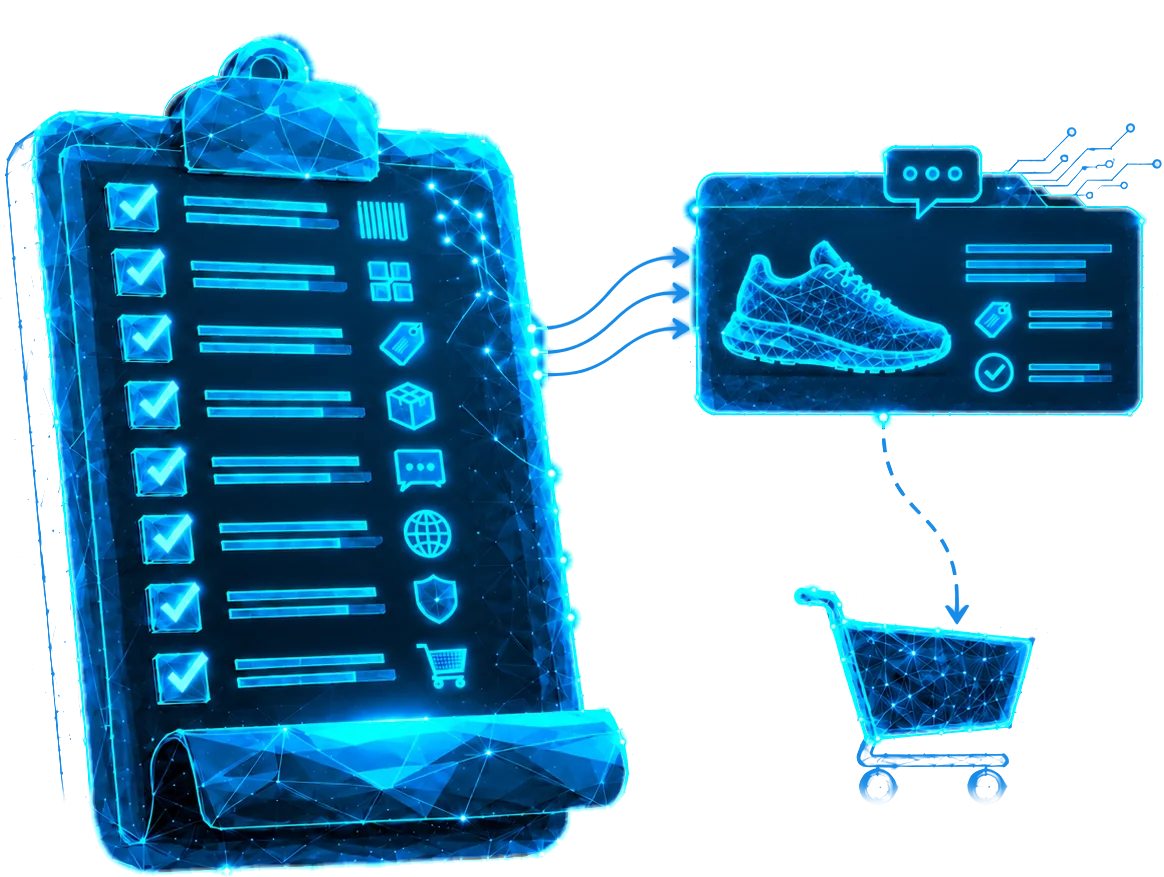
Agentic commerce readiness checklist
Follow these 7 steps to prepare your product data for the agentic commerce innovations coming in 2027.

How Productsup connects your catalog to AI channels
See how we ensure your product catalog is optimized, discoverable, and ready for purchase across LLMs and emerging agentic commerce channels.
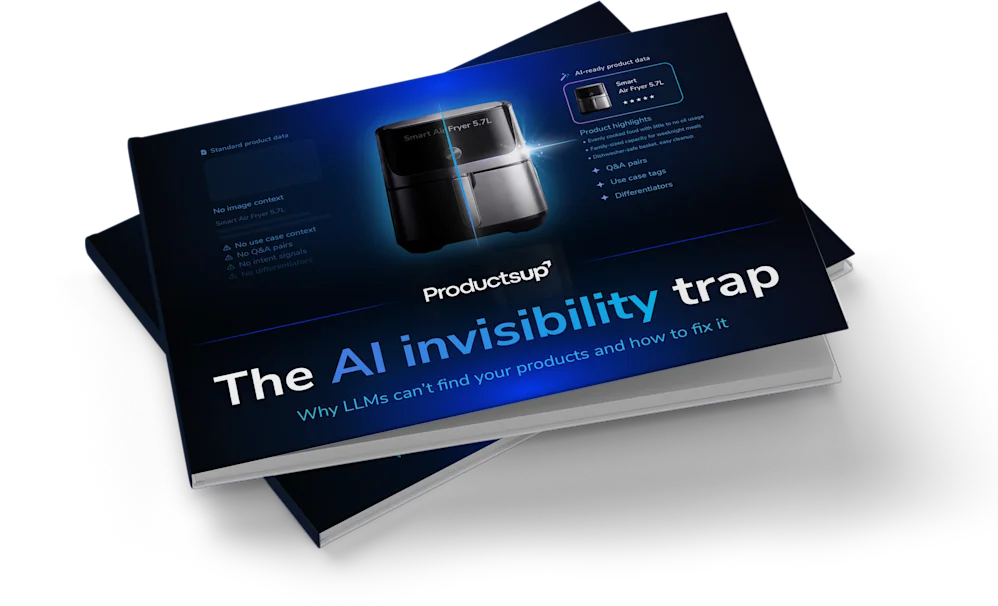
The AI invisibility trap
Learn why AI assistants struggle to discover and recommend your products and how ecommerce teams can prepare product data for the future of agentic commerce.
FAQ
What is MCP (Model Context Protocol)?
MCP, or Model Context Protocol, is an open standard that lets AI tools connect to business software and work with its data and capabilities in a structured, secure way.
What is MCP in ecommerce?
In ecommerce, MCP lets AI assistants and AI agents work with the systems behind your online business, such as product data and feeds. Productsup MCP applies this to feed management, starting with Kai.
Does Productsup have an MCP server for feed management?
Yes, Productsup MCP is built and is being tested now. Customers will get it first through Productsup Kai, starting with Read Access, which rolls out in stages. Connecting your own AI tools and agents follows in a later phase.
What is Productsup MCP?
Productsup MCP is Productsup's implementation of the Model Context Protocol, an open standard for connecting AI to business software. It gives AI experiences, starting with Productsup Kai, a secure, controlled way to access selected Productsup context and capabilities.
Is MCP a new AI assistant?
No, MCP is the underlying technology that lets AI experiences work with selected Productsup capabilities. Productsup Kai is the first Productsup experience using it.
What will MCP bring to Productsup Kai?
It will give Kai live context from your Productsup environment, so it can give more specific answers, help investigate issues and guide you based on your actual setup. Later, Kai will be able to carry out selected tasks you ask for.
What can Kai do with MCP in the first phase?
In the first phase, Read Access via Kai, Kai can use selected Productsup context, such as Site and Project setup, readiness and optimization reports, and Error Logs. With it, Kai can explain your current setup, help investigate issues, and suggest next steps. This phase is being tested now and will roll out to customers in stages. Until then, Kai answers questions based on Productsup documentation.
Can Kai make changes in Productsup?
Not in the Read Access phase. You remain responsible for making changes. Controlled changes through Kai are planned as the next phase.
Will Kai eventually be able to carry out tasks?
This is the direction Kai is built for, and the next phase will introduce selected actions with the right permissions, safeguards, and tracking. This does not mean unrestricted or fully autonomous changes.
Can I connect my own AI assistant or build my own agents?
Not yet, connecting external AI tools and customer-built agents is the third phase, Standalone MCP, and will be rolled out gradually. The current focus is the MCP-powered Kai experience.
Does MCP give Kai access to every platform feature?
No, only capabilities that have been explicitly built and made available through MCP can be used. Existing platform features are not automatically accessible through MCP.
Does MCP replace Productsup APIs or existing platform functionality?
No, MCP relies on Productsup's existing capabilities, APIs, permissions, processing, and system limits. It provides an AI-friendly way to access selected capabilities.
How does Productsup MCP handle data and platform access?
Productsup MCP gives AI clients access only to explicitly exposed Productsup capabilities. Access respects existing platform permissions, authorization rules, and security controls, and does not automatically make every Productsup feature available through MCP.
How can I get access?
Read Access via Kai will roll out to customers in stages. If you're a customer, talk to your Customer Success Manager to share how you'd like to use it. If you're not yet a customer, get in touch with our team.