
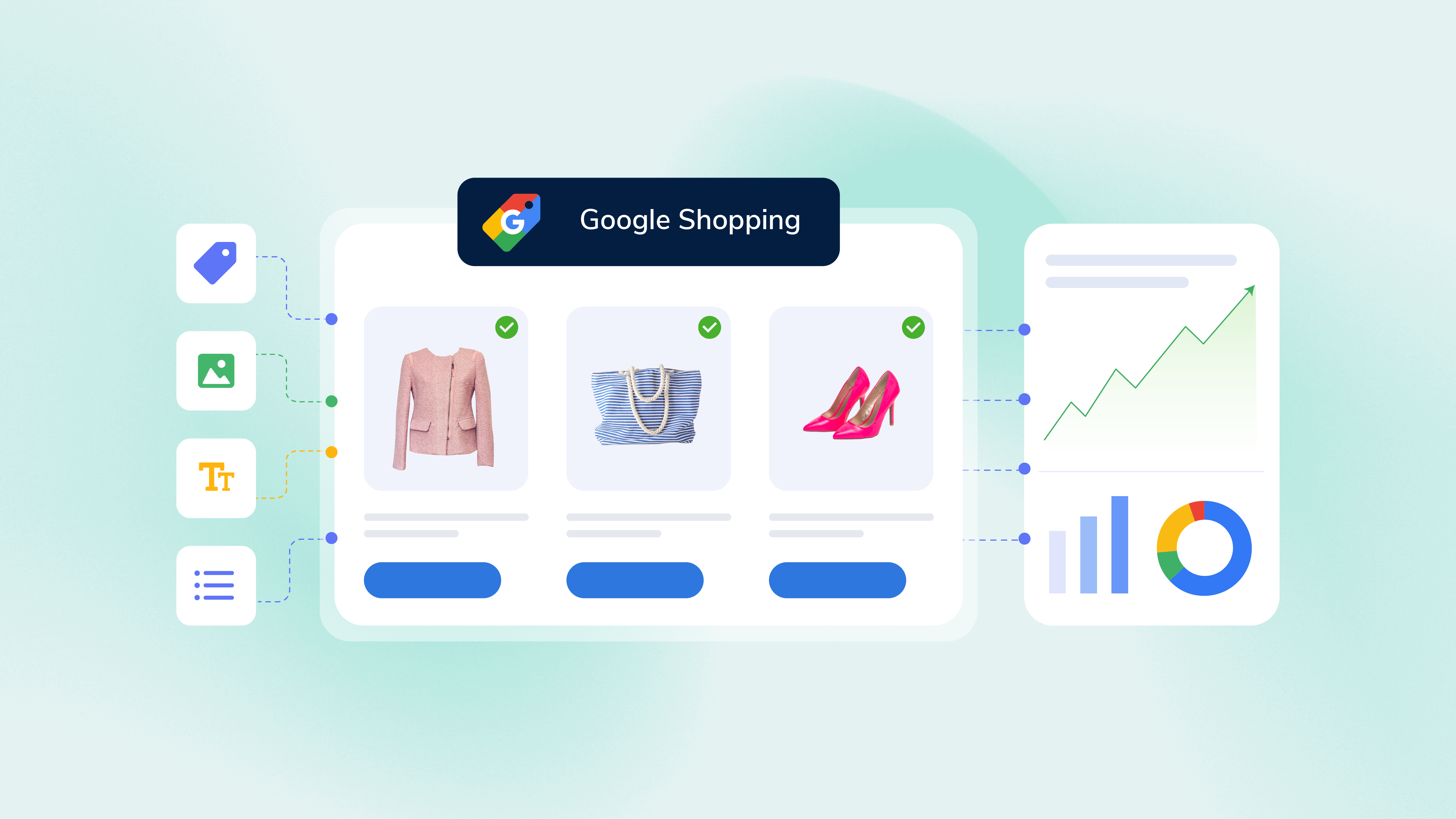





Google is playing matchmaker.
A shopper shows up with a specific need. Your product shows up, hoping to be introduced.
The question is whether Google has enough information to make the connection. As shopping journeys become more conversational and AI-powered, product visibility depends on more than keywords and bids. Context, use cases, relationships, and data quality all influence how products are discovered.
That's why Google Shopping feed optimization has become one of the most important factors driving product visibility and performance in 2026. The products that win visibility are often the products Google understands best.
Here are seven ways to make your catalog easier to understand.
#Tip 1: Give Google product specifications and context
Which product tells you a better story?
| Product A | Product B |
|---|---|
| Travel backpack, 40L, Black |
40L carry-on backpack designed for weekend trips, business travel, and digital nomads
Includes a padded laptop compartment and airline-friendly dimensions |
Product B, right? While they’re both talking about the same product, they’re in very different contexts.
Product titles remain one of the most important Google Shopping feed attributes because they help Google understand what a product is, who it's for, and when it should appear. One of the most common questions merchants ask is:
A good rule of thumb is to combine essential specifications with meaningful context. Also, A/B testing product titles can reveal which combinations resonate most with shoppers and contribute to better click-through rates over time.
Teams looking to automate product title optimization for Shopping Ads often test different title structures, attribute combinations, and keyword placements to understand what drives stronger visibility and engagement.
Quick win: Optimize your Google Shopping feed attributes for better CTR
Add information that answers:
- ✅ Who is this product for?
- ✅ When should it be used?
- ✅ What problem does it solve?
- ✅ What makes it different?
- ✅ Why should someone choose it?
Avoid making Google guess with:
- ❌ Generic manufacturer descriptions
- ❌ Feature lists without context
- ❌ One-line product descriptions
#Tip 2: Prepare your product data for conversational shopping
Google is learning to shop more like people do.
Instead of matching a few keywords, it increasingly tries to understand intent, context, and the questions shoppers ask before making a purchase. That's why conversational shopping is becoming such an important part of Google Shopping feed optimization.
Google's AI-powered shopping experiences, including Gemini and AI Mode, are designed to understand conversational queries, including traditional keywords. The more your product data reflects real customer needs and questions, the easier it becomes for Google to match products with shopper intent.
Start by incorporating
- ✅ Common customer questions
- ✅ Product Q&A pairs
- ✅ Use-case-specific information
- ✅ Occasion-based recommendations
- ✅ Related product information
Don't overlook
- ❌ Questions buried in your customer support tickets
- ❌ Product pages that leave common purchase doubts unanswered
- ❌ Generic descriptions that sound identical to competitors
#Tip 3: Make your products eligible for more Google shopping surfaces
Many brands optimize for Google Shopping Ads and stop there.
The reality is that your product data can influence visibility across a growing number of Google shopping experiences, helping products surface in Google Search and reach potential customers beyond paid placements, such as:
- Free product listings
- Google Images
- Google Lens
- Local inventory experiences
- Gemini shopping experiences
- AI Mode shopping results
A product that is eligible across multiple Google surfaces has more chances to be discovered than a product that only appears in Shopping Ads.
 Start with the basics
- ✅ Accurate GTINs
- ✅ High-quality images
- ✅ Product availability
- ✅ Complete attributes
- ✅ Rich descriptions
#Tip 4: Keep inventory and pricing data fresh
A great product feed can become outdated quickly in today’s times. That's why Google places so much emphasis on accurate inventory, pricing, and availability data. Google's Shopping Graph processes more than 2 billion product updates every hour. To sync product data between your online store and ecommerce platform, you need a reliable process that helps prevent incorrect pricing and out-of-stock items. Fresh data helps Google provide accurate shopping experiences and maintain trust with shoppers, while inaccurate data can also mean wasted spend and weaker Google Shopping ad performance.
Check regularly
- ✅ Inventory updates
- ✅ Sale prices
- ✅ Shipping information
- ✅ Product availability
Custom labels allow you to group products by priorities such as best sellers, high-margin items, seasonal inventory, or promotions. This makes it easier to segment your Google Shopping campaigns, optimize bidding strategies, and improve performance across large catalogs.
#Tip 5: Optimize product content for visual discovery
Shopping is becoming increasingly visual.
A shopper can snap a photo of a chair they like, upload a screenshot of a pair of sneakers, or use Google Lens to identify a product in seconds. Google's AI-powered shopping experiences are also relying more heavily on visual signals to understand and recommend products.
That's why a single product image on a white background is rarely enough anymore.
Improve visual discoverability with
- ✅ Multiple product angles
- ✅ Lifestyle images
- ✅ Close-up detail shots
- ✅ Product-in-use photography
- ✅ Product videos
- Product popularity
- Product completeness scores
- High-purchase-intent opportunities
- Trending product recommendations
- Share of voice compared to competitor brands
- ✅ Products missing popular attributes
- ✅ Listings with low completeness scores
- ✅ Categories where competitors have stronger visibility
- ✅ High-potential products that could benefit from richer product data
- ✅ Use item_group_id correctly: Every variant of the same product should share one ID, allowing Google to group variants and surface the most relevant option.
- ✅ Write variant-specific titles: Include the differentiating attribute (color, size, material) in each variant title rather than relying solely on the parent product title.
- ✅ Standardize color and size values: Avoid using only brand-specific names or creative names like "Merlot," "Midnight Storm," or “Ocean mist” without a mapped standard color. Google won't match them to color-filtered queries.
- ❌ Listing every variant as a completely separate product
- ❌ Missing variant attributes
- ❌ Inconsistent naming conventions across variants
- ✅ 2,500+ integrations, including Google Merchant Center, Google Manufacturer Center, Google Shopping, Google LIA, and more
- ✅ AI Enrich for creating richer product content, including highlights, Q&A, use cases, and differentiators
- ✅Support for AI channels, including ChatGPT and Perplexity, and other emerging discovery experiences such as Gemini and CoPilot (through Google and Bing integration)
Visual content helps Google better understand products across Google Images, Google Lens, Shopping Ads, and AI-powered shopping experiences.
#Tip 6: Use Merchant Center insights to identify AI-powered growth opportunities
Every Google Shopping experience starts with your product data in the Google Merchant Center account, which acts as the control point for data quality.
As Google expands AI-driven shopping experiences, Merchant Center is evolving beyond product management and diagnostics.
At Google Marketing Live 2026, Google introduced new AI-powered performance designed to help merchants understand how products and brands perform across AI-powered shopping experiences and identify opportunities to improve visibility.
📢 What's new?
The new AI performance insights tool can surface signals, such as:
It also breaks down performance across key stages of the shopping journey, including discovery, evaluation, and decision-making.
Understanding how your products compare, where shoppers are engaging, and which attributes influence discovery can help uncover new optimization opportunities.
Look for opportunities such as

#Tip 7: Make product variants easy for Google to understand
If you sell a t-shirt in six colors and four sizes, you don't have one product. Instead, Google treats it as 24 products. How you structure those variants determines whether you show up for a specific "baby pink oversized t-shirt size L" search or get buried among hundreds of generic results.
The problem is that many brands focus on parent-level product data and treat variant attributes, such as color, size, material, and fit, as secondary details. In Google Shopping, those details often determine whether the right variant appears for the right shopper. Inconsistent or incomplete variant data can reduce visibility for highly specific, high-intent searches.
Three things to get right:
Common mistake
Top tools for Google Shopping feed management in 2026
The best Google Shopping feed management software helps merchants maintain feed quality, enrich product content, resolve errors, and adapt product data for new shopping experiences.
Some of the most widely used feed management tools include:
1. Productsup
Best for: Enterprise brands and retailers
Productsup helps brands and retailers optimize, enrich, and syndicate product data across Google Shopping, marketplaces, retail partners, and emerging AI channels. Key capabilities include:
2. Channable
Best for: Multichannel sellers and advertisers
Channable combines feed management and campaign automation capabilities, helping businesses manage product data and advertising activities across multiple channels from a single platform.
Compare Productsup vs. Channable
3. Feedonomics
Best for: Large retailers and marketplaces
Feedonomics provides feed management and optimization services for businesses managing large product catalogs. The platform is widely used by retailers looking for a managed-service approach to feed operations and channel syndication.
Compare Productsup vs. Feedonomics
4. DataFeedWatch
Best for: Small and mid-sized ecommerce businesses
DataFeedWatch helps merchants improve feed quality through drag-and-drop feed rules and template libraries. Its user-friendly interface makes it popular among growing ecommerce teams.
5. Salsify
Best for: Mid-market to enterprise brands managing PIM and PXM workflows
Salsify helps brands manage and distribute product information across digital commerce channels. Its strengths include product content management, syndication, and digital shelf optimization.
Want a deeper look at other leading tools? Read our detailed post: Product feed management made easy: 10 tips and top-ranked tools for 2025, and book a demo to see the Productsup platform in action.
FAQs
Product data quality influences how your products appear in Google Shopping results. Rich titles, detailed descriptions, complete Google Shopping feed attributes, and accurate images help shoppers understand what you're selling before they click, often leading to higher click-through rates and better-quality traffic.
Some of the most common product feed errors include missing product identifiers, invalid GTINs, price mismatches, missing required attributes, and image issues. The best approach is to review Merchant Center diagnostics regularly and use a Google Shopping feed management tool to automate validation and monitoring.
Start by keeping your Google Merchant Center feed accurate and complete. Regular feed audits and monitoring can help you catch problems before they impact visibility and reduce the risk of feed rejections.
AI can help you enrich your product data with better titles, product highlights, customer Q&A, use cases, and other contextual signals. This type of AI-powered Google Shopping feed optimization gives Google more information to understand and recommend your products across Shopping Ads, Gemini, AI Mode, and other shopping experiences.
About the author
